Secure Boot Option on ESXi Virtual Machine
On ESXi, the Secure Boot option can be enabled or disabled in the ESXi Host Client.
-
Open your virtual machine configuration page by clicking Virtual Machines and selecting your VM from the list.
-
On your virtual machine configuration page, click Edit. In the Edit Settings window, click VM Options.
-
Expand the Boot Options category and select the checkbox for the Enable UEFI secure boot parameter to enable Secure Boot.
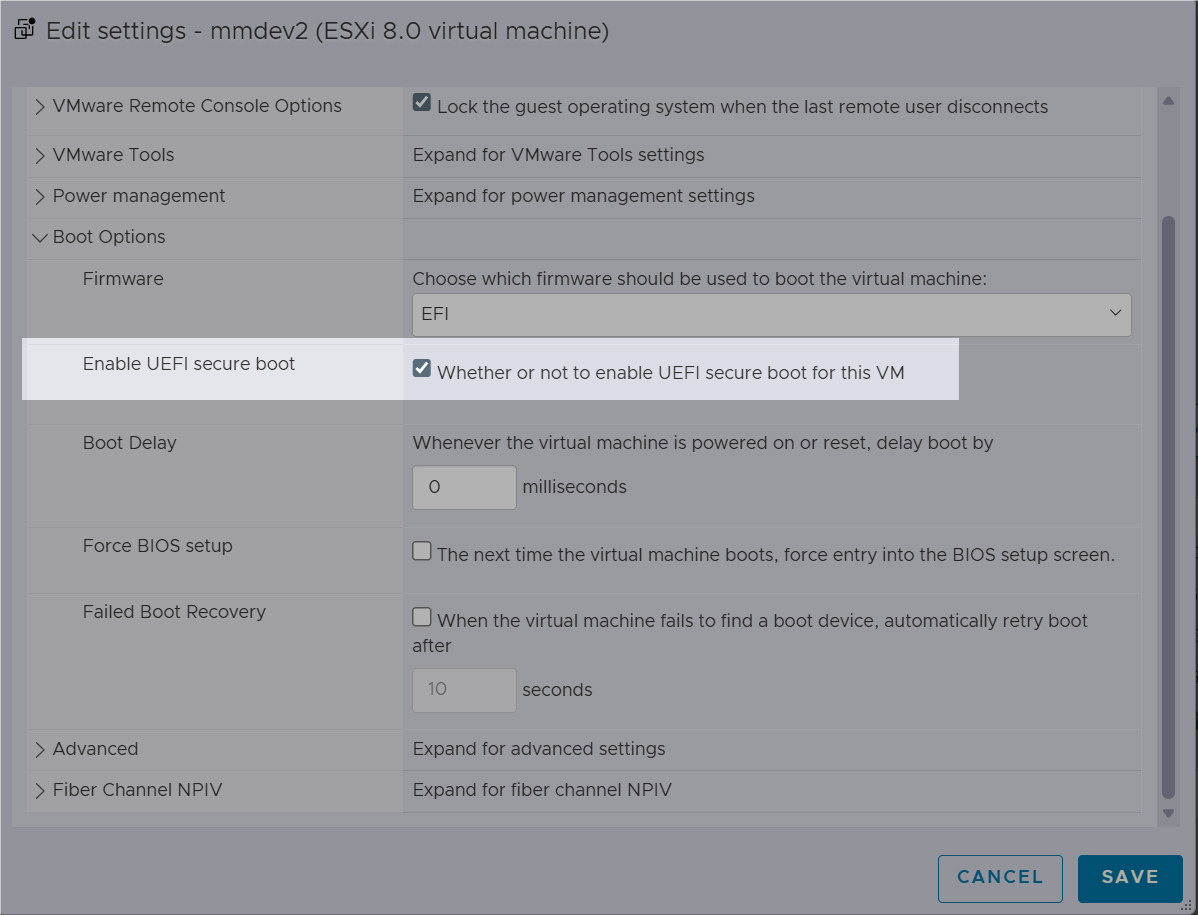
To disable the Secure Boot option, leave the checkbox empty.
-
Click Save.